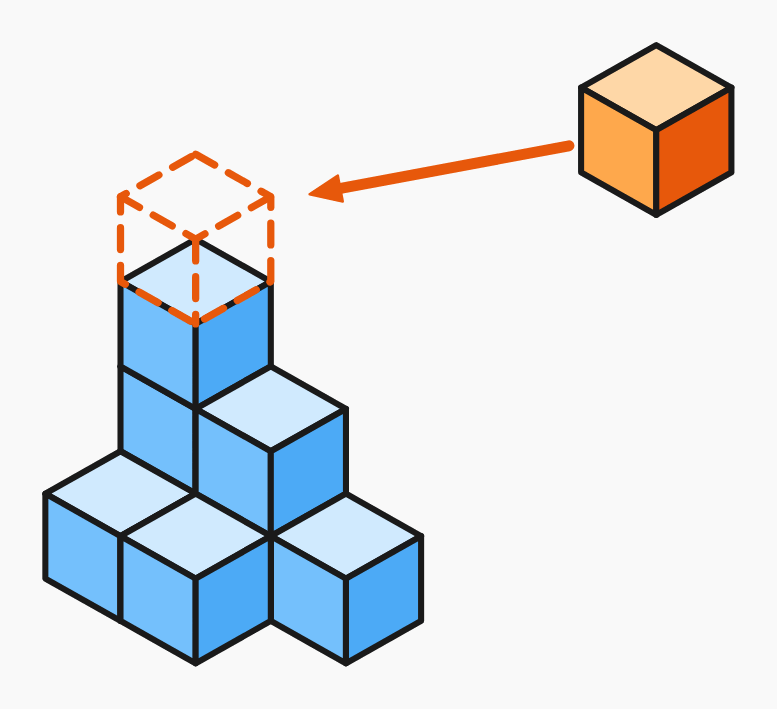
We've gone through all the rules. Here's a quick summary and links to the exercises where you can test it all.
What you've learned
| Question | Answer in |
| How many cubes do I see in the building? | count layer by layer |
| How many cubes does the building have in total? | don't forget hidden cubes |
| What does the top view look like? | filled cells of the footprint |
| What does the front / side view look like? | maximum column heights |
| How many cubes does the building have from the plan? | sum all numbers in the plan |
Rules in short
- Every cube in the building must rest on something — either the floor, or another cube.
- A cube is fully hidden if it has a cube above, to the right, and behind it.
- Views show the building from one direction at a time, always as a flat grid.
- A plan is a top view with numbers; the number = column height.
Common mistakes
- Forgetting hidden cubes in dense buildings.
- Mixing up the building's height (tallest column) with the total cube count in views.
- In a plan: counting filled cells instead of adding the numbers.
Practice generators
Five generators that give you a fresh problem every time you click "New". Each focuses on a different skill.
Start here (easier)
- Count visible cubes – the building is always such that all cubes are visible. Just count them.
- Building from plan – add the numbers in the grid and you get the cube count.
Add the harder ones
- Total number of cubes – buildings have hidden cubes. You have to remember they're there.
- Building views – pick the correct top, front, or side view from four options.
Mixed
- Cube buildings – mixed – the generator randomly switches between task types.
Tips
- Start with comfortable 2 × 2 buildings, then move to 3 × 3.
- Try writing a plan for a building you see on screen. Then check whether the sum of the numbers matches the cube count.
- If the topic interests you, build a real model with LEGO or wooden blocks and look at it from every side – things click instantly.